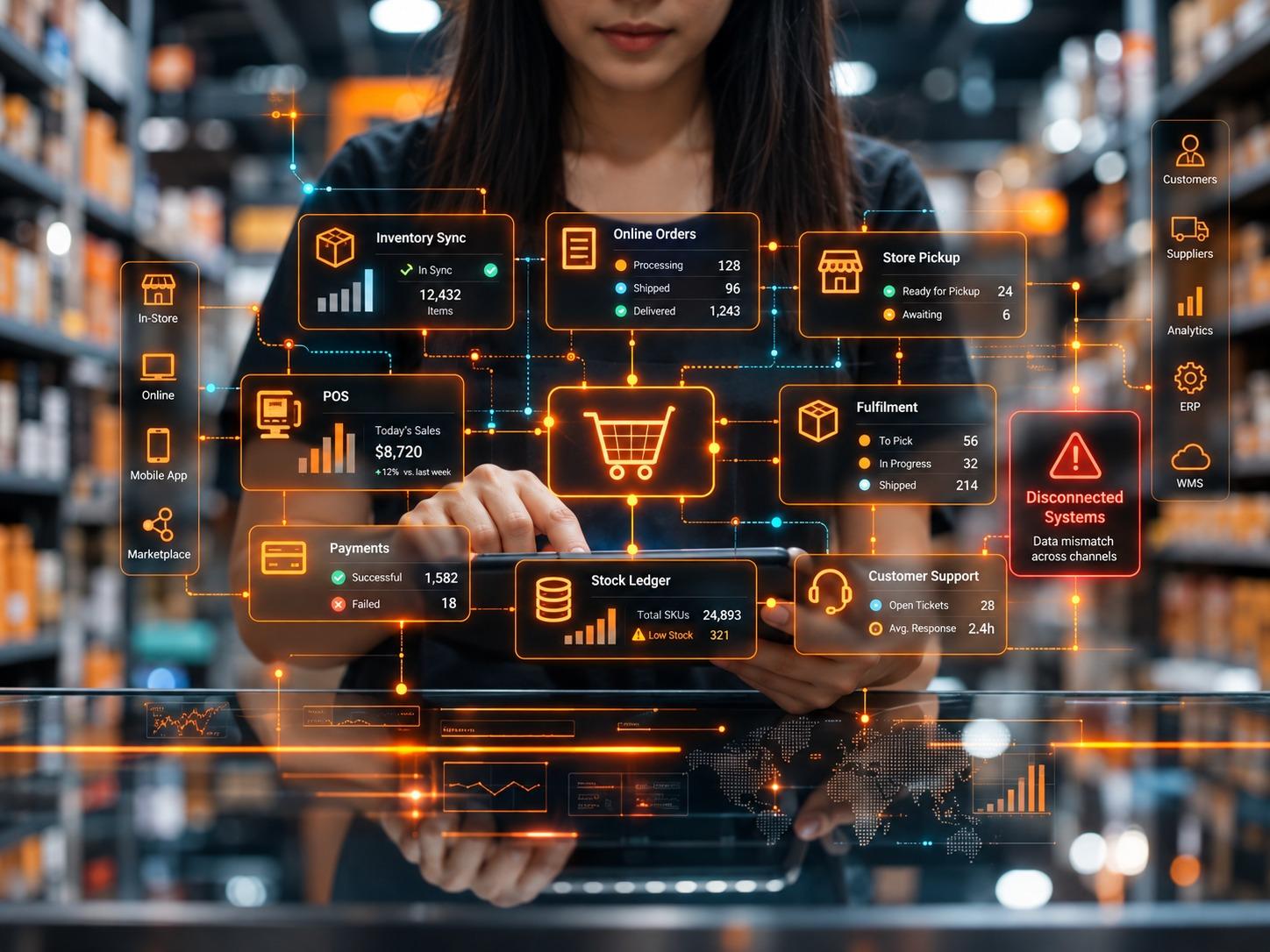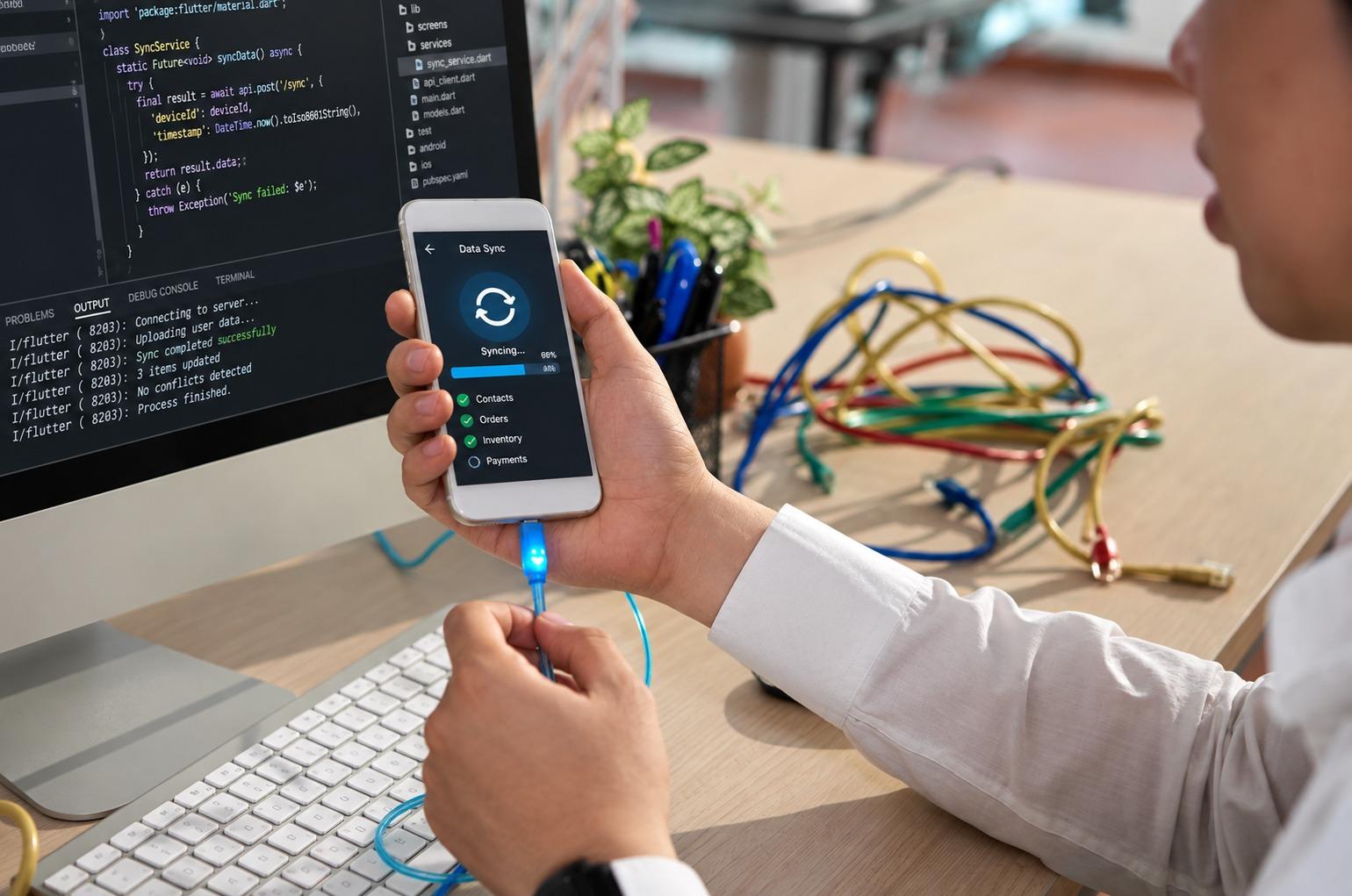


POS ERP Integration connects stores, ecommerce, ERP, inventory, and fulfillment so retailers cut order gaps, refund delays, and stock errors fast today for buyers.
A customer does not care which system broke. They only know the website showed “available,” the store team could not find the item, and the refund took too long. That is where POS ERP integration becomes more than a backend project. It becomes a customer problem, a revenue problem, and a brand problem.
Retail teams usually feel this pain in pieces. The POS records the sale. The website takes the order. The ERP holds inventory, purchasing, finance, and vendor data. The warehouse uses a separate picking tool. Customer support opens another screen to explain what went wrong. Everyone works, but the work does not connect.
That gap creates slow handoffs, wrong stock counts, delayed refunds, cancelled orders, and poor customer experience in retail. A strong POS ERP integration connects the store, ecommerce, ERP, and fulfillment workflow so teams stop guessing from different records. It also helps retailers build a cleaner operating model before growth makes the cracks wider.
Why POS ERP Integration Has Become A Retail Growth Priority
POS ERP integration connects point-of-sale activity with ERP records, ecommerce orders, inventory updates, pricing, returns, finance, and fulfillment workflows. In plain terms, it helps your sales channels and back office speak the same operational language.
The timing is important. The U.S. Census Bureau’s Quarterly Retail E-Commerce Sales Report, Q1 2026, reported adjusted U.S. retail ecommerce sales of $326.7 billion, with ecommerce making up 16.9% of total retail sales. That means online orders now carry enough weight to affect stores, warehouses, finance, staffing, and customer service every week.
For retailers, POS ERP integration no longer belongs to “nice to have” planning. It supports inventory accuracy, store pickup, ship-from-store, refund speed, customer profiles, loyalty programs, and financial posting. When these areas work apart, growth creates more confusion instead of more control.
This is also where e-commerce ERP integration becomes vital. A website cannot promise accurate delivery, availability, or pricing if it does not connect with ERP data. A store team cannot serve well if online orders, in-store stock, and warehouse availability move on different timelines.
How Disconnected POS, Website, And ERP Systems Hurt Customers
Disconnected systems create small errors that reach customers fast. A shopper buys a jacket online for pickup. The e-commerce platform confirms the order. The POS sold the last unit 15 minutes earlier. The ERP still shows stock because updates run in batches. The store employee then calls the customer with bad news.
No one tried to create a poor experience. The system did it.
Another common case happens with returns. A buyer orders online, returns in-store, and waits while the cashier searches for the order. The POS cannot read the web transaction properly. Support checks the e-commerce. Finance checks the ERP later. That one return touches three or four teams because the workflow was never connected.
Reuters reported that U.S. online holiday sales reached $282 billion during the 2024 holiday season, based on Salesforce data. The same report said global AI-influenced online sales reached $229 billion. High digital shopping volume raises the cost of bad data because customers expect faster search, checkout, updates, and returns.
If your team already sees duplicate work, delayed updates, and reporting gaps, HubOps has a useful breakdown on unify disconnected software systems without replacing your core stack. It shows how businesses can connect stable systems through APIs, integration layers, and phased architecture without forcing a full replacement.
What POS ERP Integration Fixes Inside Retail Operations
A good POS ERP integration does not only move data from one tool to another. It changes how the retail business runs each day. Store staff get better stock views. E-commerce teams get cleaner product and order data. Finance gets fewer reconciliation gaps. Fulfillment teams receive orders with fewer missing details.
Here are the daily areas where POS ERP integration usually creates the strongest impact:
- Inventory accuracy across stores, ecommerce, warehouses, returns, transfers, and purchase orders.
- Faster order movement from checkout to picking, packing, shipping, pickup, refund, and finance posting.
These two areas look simple on paper. In retail, they decide whether the customer trusts the brand after the first purchase.
POS ERP Integration For Inventory Accuracy
Inventory errors start small. One return does not update. One damaged item stays available. One transfer fails to sync. One store sells the last unit while the website still accepts orders. Then the customer gets a cancellation message.
POS ERP integration helps fix that by connecting stock movement from every selling and fulfillment point. The POS updates what was sold in-store. The e-commerce platform updates what customers bought online. The ERP receives movement tied to finance, purchasing, and replenishment. The warehouse or fulfillment system tracks what workers can actually pick.
The U.S. Census Bureau’s Advance Monthly Sales For Retail And Food Services, April 2026, reported that retail trade sales rose 5.2% year over year, while nonstore retailers rose 11.1% year over year. That faster growth in nonstore retail shows why inventory data must support online and offline demand together.
This is where retailers should avoid manual exports. Manual inventory updates work until volume rises. After that, they create overselling, stock hiding, and poor reorder timing.
POS ERP Integration For Faster Fulfillment
Retail fulfillment software works only as well as the data it receives. If orders arrive late, stock is wrong, customer details are missing, or shipping rules do not connect with ERP logic, fulfillment teams lose time before they even pick the item.
A connected setup lets the system choose the best fulfillment source. The order may ship from a warehouse, local store, dark store, or vendor. That decision should depend on stock, delivery promise, margin, labor, carrier rules, and customer location. Without POS ERP integration, teams often make those calls manually or use stale records.
Good retail fulfillment software should receive clean orders, updated stock, customer delivery details, item availability, and exception flags. That reduces avoidable delays and keeps support teams from answering the same “where is my order?” question all day.
Need Retail Systems That Stop Working Against Each Other?
Build connected POS, ERP, ecommerce, and fulfillment workflows with HubOps so your teams can reduce manual fixes, improve order accuracy, and serve customers with fewer delays.
Why Customer Experience In Retail Depends On Backend Systems
Many teams talk about customer experience in retail as store design, loyalty offers, support tone, or website speed. Those count, yes. But backend systems decide whether the promise holds.
A polished website cannot save a wrong stock count. Friendly support cannot undo a refund delay every time. A loyalty offer loses value if the POS cannot apply it at checkout. A fast checkout becomes useless if fulfillment stalls after payment.
Reuters reported that Adobe Analytics saw U.S. consumers spend a record $11.8 billion online on Black Friday 2025, up 9.1% from the previous year. The report also said AI-driven traffic to U.S. retail sites rose 805% year over year. Retail discovery is getting faster, so backend failure shows up sooner.
This is why POS ERP integration must support the full buyer path. Search, availability, checkout, pickup, shipping, support, return, refund, and reorder all need connected records. If one part breaks, the customer sees the whole brand as unreliable.
What A Strong POS ERP Integration Plan Should Include
Retailers should not start by asking, “Which connector do we need?” That question comes later. The better first question is, “Which business event must update which system, when, and under whose ownership?”
A strong POS ERP integration plan should define product data ownership, price updates, tax rules, order creation, inventory reservation, payment posting, refunds, returns, purchase orders, loyalty updates, and finance reconciliation.
It should also define failure handling. What happens if a SKU does not match? What if a payment posts, but the order fails? What if a return updates the POS but not the ERP? What if a promotion exists on the website but not in-store?
This is where HubOps can help through system integration. We connect applications, platforms, and data sources so business workflows do not depend on fragile handoffs, spreadsheet fixes, or patchwork scripts.
Common POS ERP Integration Mistakes Retailers Should Avoid
Retailers often spend heavily on software and still get weak results because the project skips the operating details.
Treating Integration Like A Data Pipe
A data pipe only moves information. A retail integration supports decisions. If inventory drops below a certain number, should the website stop selling? Should ERP trigger purchasing? Should the store hold stock for pickup? Should warehouse stock take priority over store stock?
Those rules need input from e-commerce, store operations, finance, merchandising, fulfillment, and IT. POS ERP integration works better when business teams agree on decisions before technical mapping starts.
Ignoring Exceptions Until Launch
Every retail system creates exceptions. Duplicate customer IDs. Missing SKUs. Wrong tax codes. Failed payment updates. Partial returns. Split shipments. Promotion conflicts.
These are not rare problems. They happen during normal retail work. A good plan sets alerts, retry rules, ownership, and repair steps before launch. HubOps covers this issue in more detail in why system integration projects fail and how to avoid costly delays, especially around poor scope, weak ownership, data quality gaps, late testing, and change impact.
How HubOps Builds POS ERP Integration Around Retail Workflow
At HubOps, we do not treat POS ERP integration as a connector task only. We look at the full operating path. Where does product data start? Which system owns the inventory? How do online orders reach stores? When does finance record revenue? Who handles failed syncs? Which reports do leaders trust?
That review helps us shape the right architecture. In some cases, retailers need APIs between POS, ERP, e-commerce, and fulfillment tools. In other cases, they need middleware, event-based updates, better data governance, or phased migration away from old manual processes.
HubOps supports this through API and connectivity, where we design secure system connections, API workflows, and scalable data exchange between SaaS platforms, internal systems, and operational tools.
This approach also supports e-commerce ERP integration without forcing every retailer to replace its full stack at once. Sometimes the smarter move is to connect what already works, fix ownership, reduce manual updates, and modernize in stages.
What Retail Leaders Should Check Before Starting POS ERP Integration
Before approving a POS ERP integration project, retail leaders should run a basic operational check. Not a software checklist. A workflow check.
Ask these questions first:
- Which system owns product, stock, customer, order, refund, and finance data today?
- Which customer problems happen because POS, website, ERP, and fulfillment tools do not update each other fast enough?
The answer may show that the problem is not one platform. It may be unclear ownership, weak integration logic, old product records, untested exception paths, or too many manual decisions between checkout and delivery.
This is also the right time to check whether future retail plans will strain the current setup. New marketplaces, ship-from-store, mobile POS, loyalty apps, vendor dropshipping, AI product recommendations, and advanced analytics all need cleaner data movement. If the system cannot support today’s orders well, it will not support tomorrow’s growth.
Ready To Fix The Gaps Customers Already Notice?
Connect your POS, website, ERP, and fulfillment stack with HubOps so daily retail operations move with fewer errors, fewer manual fixes, and faster customer response.
Final Thoughts
POS ERP integration has become one of the most important retail projects for growing brands. Customers feel disconnected systems before leaders see the full cost in reports. They feel it through cancelled orders, wrong stock counts, slow refunds, vague updates, and support calls that start from zero.
The better path starts with workflow truth. Know how orders move. Know where data breaks. Know which system owns each record. Then connect POS, ecommerce, ERP, fulfillment, customer service, and finance in stages that protect revenue and staff time.
Retail does not need more software noise. It needs systems that agree with each other when the customer is ready to buy.
FAQs
What is POS ERP integration?
POS ERP integration connects point-of-sale transactions with ERP data, including inventory, finance, product records, purchasing, orders, returns, and customer information.
Why does POS ERP integration matter for e-commerce retailers?
It helps ecommerce teams show accurate stock, pricing, order status, refund data, and fulfillment updates without depending on manual exports.
How does POS ERP integration reduce cancelled orders?
It connects stock movement across stores, ecommerce, warehouses, and returns, so customers do not buy items that are already sold or unavailable.
Can POS ERP integration work with older retail systems?
Yes. Many older systems can connect through APIs, middleware, scheduled data flows, or phased modernization, depending on the system limits and data quality.
What should retailers fix before starting integration?
Retailers should fix product data, SKU structure, inventory ownership, refund rules, order status definitions, and exception handling before building the integration.