

Cloud computing solutions can cut costs for utilities, but not every system belongs there. Here is how to decide what should move, what should stay on-site and what needs rebuilding.
TL;DR — Key Takeaways
- Move first: customer portals, billing support tools, analytics, reporting and back-office systems, where cloud capacity pays off quickly.
- Keep on-site: real-time control systems such as SCADA and substation automation, where response time, safety and compliance rules are strict.
- Rebuild only when an application's design blocks the benefit, for example a tightly coupled billing system that cannot scale or share data.
- Check regulation early. Cloud storage of BES Cyber System Information is allowed under defined conditions, while cloud use for control systems is still being worked out.
- Clean up integrations and data before migrating, because moving a poorly connected system only carries its problems into the cloud.
- Migrate in small waves, starting with low-risk systems, and measure each wave before starting the next.
Why utilities cannot copy a standard cloud playbook
Most cloud advice is written for retailers and software firms, where a slow system means an unhappy customer. In utilities, a slow or unavailable system can mean a delayed fault response or a missed safety check.
That changes how cloud computing solutions should be judged. Cost and speed still matter, but so do reliability rules, safety, and equipment that stays in service for thirty years or more.
A typical utility also runs three very different kinds of systems side by side. Business systems handle billing and customers, operational systems run the network, and data systems collect readings from meters and sensors.
Each group carries a different level of risk, so each needs its own decision. Enterprise cloud solutions work best when they respect that split, and treating everything as one cloud project is where many programmes go wrong.
A simple way to sort every system: move, stay, rebuild or retire
Before choosing a platform, list every application and ask three questions about it. How fast must it respond, what rules apply to its data, and how tightly is it tied to the systems around it?
The answers usually place each system in one of four groups. Move it, keep it where it is, rebuild it so it can benefit from the cloud later, or retire it.
Retiring is the group people forget. Old reports and duplicate tools often survive for years because nobody has checked whether anyone still uses them.
What should move to the cloud
Start with systems that need scale, flexibility or easy access more than split-second response. These carry the lowest risk and show benefits soonest.
Customer-facing and back-office systems
Customer portals, mobile apps and payment pages see sharp peaks, for example after an outage or on bill day. Cloud platforms add capacity for those hours and release it afterwards, so you stop paying for idle servers.
Finance, HR, procurement and document management are also strong candidates. They run on well-understood software and rarely touch live network equipment.
Analytics, reporting and meter data
Smart meters produce a steady flow of readings that is costly to store and process on your own hardware. Cloud storage and analytics let teams study demand patterns, find faulty meters and forecast load without buying capacity in advance.
Sensitive operational documents
Some documents, such as network diagrams and device configurations, count as BES Cyber System Information under North American bulk electric system rules. Revised standards, CIP-004-7 and CIP-011-3, took effect on January 1, 2024.
Under them, this information can be held in the cloud when access is properly controlled. Providers have started publishing practical help, such as an Amazon Web Services guide on meeting the requirements.
That guide comes from a cloud vendor, so use it to map controls and not as a substitute for your own compliance review.
What should stay on-site or at the edge
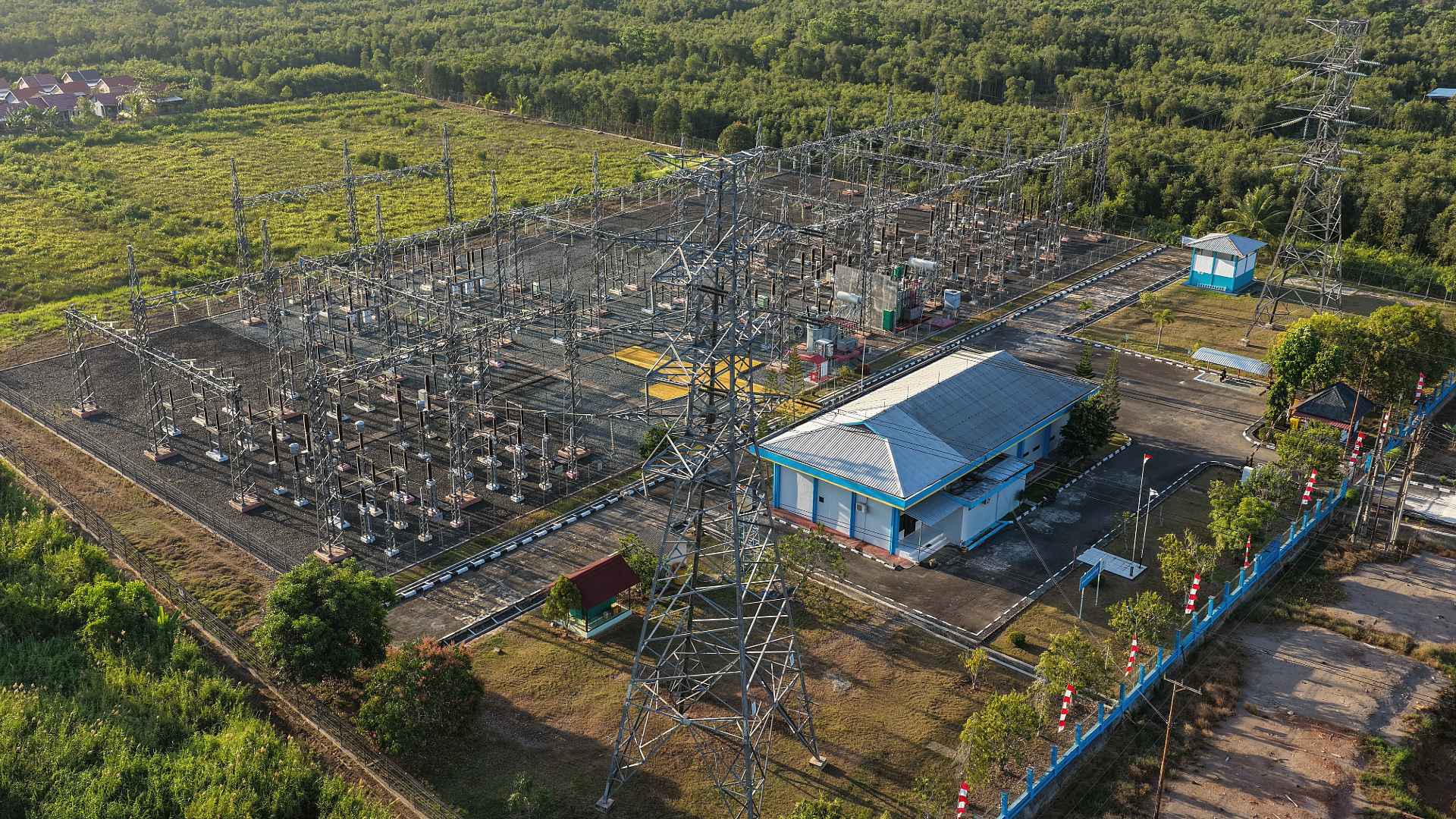
Keep systems that must respond in real time close to the equipment they control. SCADA, protection relays, substation automation and distributed energy controllers fall in this group.
A delay of even a second can matter when a breaker needs to open. These systems must also keep working if the network link is lost, which a cloud-only design cannot promise.
Regulation adds a second reason for caution. A standards request on the NERC website states that the current rules rely on physical assets, which prevents compliant cloud use for some systems, such as BES Cyber Systems.
The same request proposes to allow, but not require, cloud use for these systems in future. Standards work keeps moving, so check its current status before committing any control-system workload.
Until the rules are settled, a hybrid design is the safer position. Control stays local, and the cloud receives the data it needs.
Where edge computing fits
Edge computing sits between the two worlds. Local gateways process data at the substation or plant and send only summaries or alerts to the cloud.
That keeps control local while still feeding central analytics. For many utilities, this hybrid pattern is the long-term answer and not a temporary compromise.
What should be rebuilt before it moves
Some systems are too tightly built to move cleanly. Rebuilding means changing how the application is designed, not only where it runs.
Typical warning signs are one large codebase, a shared database that other tools read directly, and upgrades that need a full outage window. Moving such a system unchanged, often called lift and shift, carries every old limit into the cloud.
Heavily customised billing and customer systems, older work-order tools and in-house outage reporting are often candidates. Our application modernization assessment scores this on a simple scale, from one codebase with a shared database to independent services.
Rebuild in slices
You rarely need to replace everything at once. Pick one function, such as meter-data validation, rebuild it as a separate service, and let the old system run the rest until the new part has proven itself.
This is slower to start but cheaper to reverse if something goes wrong. It also gives your team working experience with cloud tools before the bigger pieces move.
Fix integration and data before you migrate
A billing system may receive meter data from one tool, customer details from another, and send payments to a third.
Older setups often rely on custom point-to-point scripts, one for each connection. When a system moves, every script has to be rewritten, retested and secured again.
The more connections you have, the bigger the move, so count them early. Our readiness check on integration maturity asks whether your links are ad hoc scripts, batch transfers, a central platform or event-driven.
Data quality deserves the same attention. Duplicate customer records, mismatched asset IDs and inconsistent meter naming cause failures that look like cloud problems but were there all along.
Clean the data at the source and agree on common identifiers. A migration is a good moment to do it, because every record is being touched anyway.
A hypothetical example: a regional electricity distributor
This example is hypothetical and does not describe a customer of ours. Imagine a distributor with a billing system, a customer portal, a meter-data database, an outage tool, SCADA and a finance package.
The portal and finance package move first because they are standard and low-risk. The meter-data database follows once its records have been cleaned.
SCADA stays on-site, with a gateway sending summaries to the cloud. The outage tool stays put until its link to SCADA has been reviewed.
The billing system is built in-house and read directly by four other tools, so it is rebuilt in slices, starting with its payment module. Retiring two unused reporting tools along the way shrinks the scope of the move.
Counting the real cost
Cloud pricing looks simple until the first full month of use. Most cloud solutions bill compute, storage, backup, monitoring, support and outbound data transfer separately.
Compare that with the true cost of running your own data centre, including hardware refresh, power, cooling, floor space and staff time. A fair comparison covers five years, not one.
Security and resilience in a shared model
Cloud providers secure their physical data centres and core platform. You stay responsible for who can log in, how systems are configured and how data is encrypted.
Many cloud security problems begin with configuration or access mistakes on the customer side, so those areas need steady attention.
Also ask how your workloads would run if one cloud region went down, and test the answer with a drill, not a document.
A practical order of work
This sequence suits most utilities, whatever their size.
- List every application with its owner, its data and its connections.
- Mark each one as move, stay, rebuild or retire, with a one-line reason.
- Check regulatory and data-location rules for each group, with compliance staff involved.
- Choose one low-risk system as a pilot, such as a reporting tool or customer portal.
- Measure cost, performance and support effort, then adjust the plan.
- Migrate in waves, and keep a tested rollback plan for each one.
Common mistakes to avoid
- Moving everything at once. A single large cutover leaves no room to learn from early mistakes.
- Skipping the exit plan. Know how you would take your data out, and test it, before signing a long contract.
- Ignoring running costs. Cloud bills grow with usage, so set budgets and alerts from the first month.
- Leaving operations staff out. Control-room and field teams know which delays and outages the business can tolerate.
- Treating compliance as a final check. Raise it at the planning stage, when changing course is still cheap.
Questions to ask a cloud provider or partner
- Where will our data be stored, and can we limit it to a country or region?
- Which compliance rules do you support, and what evidence can you give auditors?
- What happens to our service if one of your regions fails?
- What would it cost, and how long would it take, to move our data out later?
- Which security controls are ours, and which are yours?
- How do you handle support for systems that run around the clock?
Final Thoughts
The best cloud computing solutions for utilities are chosen system by system, not as one decision for the whole organisation. Move what benefits from scale, keep what must stay close to the grid, and rebuild only what blocks progress.
Start small, measure honestly and involve operations and compliance teams from day one. If you would like a second view on your own list of systems, our team is glad to talk it through.
Frequently Asked Questions
Can utilities run SCADA and other control systems in the cloud?
Most utilities keep control systems on-site or at the edge because of response-time and reliability needs. In North America, NERC CIP rules currently make compliant cloud use difficult for some systems, such as BES Cyber Systems, and NERC has a project underway to address it. Check the latest status and your own regulator's position before deciding.
What is the difference between public, private and hybrid cloud for utilities?
A public cloud runs on infrastructure shared with other customers and operated by a provider. A private cloud is dedicated to one organisation, either on its own premises or hosted. Hybrid joins the two, and it suits utilities well because some systems must stay local while others benefit from cloud scale.
Is it safe to store customer and meter data in the cloud?
It can be, if it is set up carefully. The provider secures the underlying platform, while the utility controls access, configuration and encryption. Also check privacy and data-location laws that apply to customer records in your region.
What does lift and shift mean, and does it work for utilities?
Lift and shift means moving an application to cloud servers with little or no change. It works for stable, well-understood systems and gives a quick first win. It is a poor fit for tightly coupled systems, which keep their old limits and can cost more to run in the cloud.
How long does a utility cloud migration take?
There is no standard timeline. A pilot such as a reporting tool can take weeks, while rebuilding a core billing or customer system can run for a year or more. Migrating in waves lets you show results early and adjust the plan as you learn.