

Discover how utilities can prioritize essential mobile app features, integrate backend systems, strengthen reliability and security, and measure customer task completion for a better user experience.
TL;DR — Key Takeaways
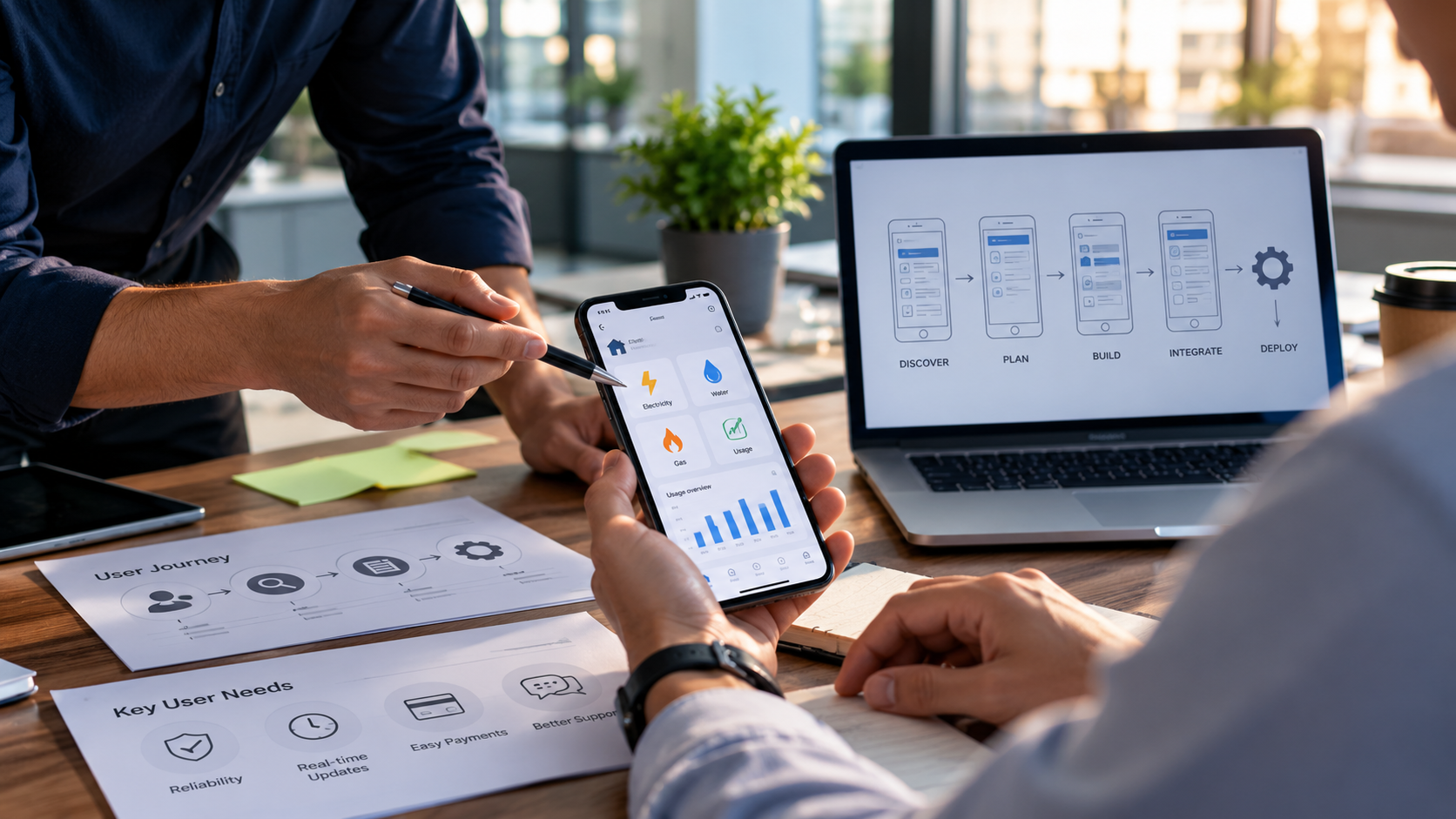
Utilities Mobile App Strategy: What Should Be Built for the User, Not the Demo It is 9 p.m., the lights are out, and a customer opens the utility's app. They are not looking for an energy-saving quiz or a chatbot. They want to know whether the utility is aware of the outage and when power is likely to return. If the app cannot answer that, nothing else in it matters. That is the core problem with how many utilities approach mobile application development services: the feature list is shaped by what looks good in a product walkthrough, not by what customers need to finish in the next two minutes. This article explains how to build a utilities mobile app strategy around real customer tasks and operational realities, and what to settle before development starts. Key Takeaways ●Utility customers open an app to finish a specific task: report or check an outage, pay a bill, understand usage, or request service. Build those first. ●An app can only be as accurate as the systems behind it. Integration with billing, outage, and customer systems matters as much as the interface. ●Reliability during storms, accessibility, and data protection are baseline requirements, not final-stage polish. ●Plan in phases and measure task completion, not just downloads. ●A mobile development company should be able to explain what it would leave out of the first release, and why. Why Utility Mobile Apps Need a User-First Strategy Unlike a retail or entertainment app, a utility app is rarely opened for pleasure. Customers arrive with a job to do, often under time pressure: an outage, a payment due date, a bill that looks wrong. The app earns trust by completing that job quickly and accurately. Industry research points the same way. J.D. Power's 2026 U.S. Utility Digital Experience Study found that utility mobile apps average the highest satisfaction among digital channels, with a score of 654 on a 1,000-point scale, compared with 616 for digital experience overall. The same study reported that 28% of the large utilities it covered, those serving at least one million residential customers, still do not offer an app. The study scores four factors: information and content, navigation, speed, and visual appeal. None of them is feature count. For a utility, that is a useful reminder that the basics, done well, are the experience. Which Features Should Utilities Prioritize? Start with the tasks customers repeat and the moments where a poor experience becomes a phone call. Publicly described apps from utilities such as Tucson Electric Power and Rocky Mountain Power follow a similar pattern, built around a handful of jobs: ●Outage reporting and status. Let customers report an outage and see its cause and estimated restoration time. Some utility apps allow reporting without signing in, which matters when someone cannot remember a password in the dark. ●Bill viewing and payment. Show the current balance, due date, and payment history, and confirm every payment clearly. ●Usage visibility. Offer usage history and comparisons that customers can read at a glance. ●Service requests. Support common requests such as starting, stopping, or moving service. ●Alerts. Send notifications for bills, payments, and outages that tell the customer what to do next. Anything beyond this list should earn its place against evidence, not enthusiasm. Build Around Customer Problems, Not Demo Features A demo feature is a capability that works in a controlled walkthrough but depends on conditions real customers rarely meet: clean data, a strong signal, one account, no failed payments. A usage animation that looks impressive is less useful if meter data arrives once a day. To prioritize honestly, rank candidate features against three questions: 1.Which customer task does this serve, and how often is it needed? Contact-center reasons and outage-event inquiries are good evidence. 2.Which system holds the answer? If no reliable source exists, the feature will display guesses. 3.What happens when the answer is late or wrong? A good design says so plainly, for example by labelling an estimate as an estimate and showing when data was last updated. Then apply a simple demo test. Can the feature work for a customer with two accounts, a failed payment, and a weak connection? If not, it is not ready to lead the release. Why Backend Integration Matters A utility app is mostly a window onto other systems. It reads from and writes to billing and customer information systems, outage management platforms, meter data, payment services, and identity providers. When those systems disagree or lag, the customer sees the disagreement on a six-inch screen. Consider a customer who pays a bill in the app, then sees an unchanged balance the next morning because posting is delayed. Even if the app worked exactly as built, the experience produces a duplicate payment or a support call. The fix sits in integration design and in honest status messages, not in the interface. Standards can help. The IEC 61968 series defines information models and message types for integrating utility systems, including customer support functions such as service requests and trouble management. For customers who want to share usage with third-party tools, the Green Button Connect My Data standard provides a customer-authorized process that the customer can revoke at any time, and the Green Button Alliance notes it does not replace existing utility tools. Planning integration early is where system integration and API connectivity work pays off: agreeing which system owns each piece of data, how quickly it updates, and how the app behaves when a connection fails. Reliability, Accessibility, and Security Must Come First These three requirements decide whether customers can depend on the app at the moments it matters most. Reliability under storm conditions Demand on an outage tool peaks when systems are most stressed. Design for it: test at realistic peak load, keep the last known status available if a back-end service slows, and treat push notifications as one channel rather than the only one. Reporting an outage should not require a perfect connection or a long form. Accessibility The W3C publishes guidance on applying WCAG 2.2 to mobile applications. It is informative rather than a standard in itself, but it maps relevant success criteria to mobile screens, including minimum target size, avoiding redundant data entry, and accessible authentication. Because outage information can be time-sensitive and, for some households, safety-related, accessibility testing belongs in every release, on real devices and with assistive technology. Security and privacy Usage and account data can reveal household routines, so apps should collect and store only what they need. The OWASP Mobile Application Security Verification Standard sets baseline requirements for areas such as storage, authentication, network communication, and privacy, and it can serve as a reference during procurement. At Hubops, we treat application security as part of the full software lifecycle, from architecture through release controls, which is the right mindset for a customer-facing utility app. How to Plan a Utility Mobile App in Phases A phased plan limits risk and produces evidence early. 1.Discover. Map the top customer tasks, the systems involved, and known data quality problems. 2.Define a focused first release. Choose three to five tasks and write down what is deliberately deferred. 3.Integrate first, then build the interface. Confirm the data sources and failure behavior before polishing screens. 4.Test under realistic conditions. Include older devices, weak connections, assistive technology, peak load, and failed-payment and duplicate-account scenarios. 5.Release gradually. Start with a pilot group, watch the results, and expand. 6.Improve continuously. Plan for operating-system updates, API changes, and user feedback after launch. How to Measure Whether the App Is Working Downloads show interest; they do not show usefulness. Set a baseline before launch and compare against it.
Measure
What it tells you
Task completion rate (pay a bill, report an outage)
Whether customers can finish the jobs the app exists for
Time to complete core tasks
Where friction slows people down
Repeat contacts after an app session
Whether the app answered the question or sent customers to the phone
Payment and sign-in failure rates
Where flows or integrations are breaking
Crash-free sessions and error rates
Whether the app holds up in practice, especially during storms
Notification delay versus the source event
Whether alerts are timely compared with the outage or billing system
Review these with operations, customer service, and engineering together. A fix may belong in a back-end process rather than in the app. Choosing a Mobile Development Partner A capable mobile development company does more than write code. For a utility, look for a partner who can explain how it will: ●Investigate your existing systems and data before proposing features. ●Handle integration with billing, outage, and customer platforms, including failure scenarios. ●Test for security and accessibility, not only functionality. ●Support the app after release, including operating-system updates and store submissions. ●Recommend leaving things out of the first release. Ask for verifiable references in comparable environments, and ask what happens after handover. At Hubops, our Mobile Solutions offering covers mobile product strategy, iOS and Android delivery across native and cross-platform approaches, mobile backend integration with enterprise APIs, identity, and data services, and experience optimization for accessibility, performance, and stability. Our utilities practice focuses on modernizing technology for electric, gas, and water providers. Together, that combination is relevant when an app depends as much on connected systems as on screens. Conclusion The best utility apps are rarely the ones with the most features. They answer the customer's question, complete the task, and tell the truth when information is an estimate. Before approving the next release, list the top tasks customers need to complete, identify the systems behind each, and decide what the first version will deliberately leave out. If you are weighing external mobile application development services to plan, build, or improve a utility app, our Mobile Solutions team is a place to start the conversation.
Frequently Asked Questions
How long does it take to build a utility mobile app?
There is no reliable universal figure. The schedule depends mainly on the number of integrations, data cleanup needs, security and accessibility requirements, and how many tasks the first release covers. A narrow first release with well-defined integrations is faster to deliver and test than a broad one.
Should a utility choose native or cross-platform development?
Either can work. The choice depends on required device features, performance expectations, offline behavior, and long-term maintenance. Whichever route is chosen, test on the devices customers actually use.
Should a utility buy a ready-made app or build a custom one?
Ready-made products can cover standard needs such as bill payment and outage reporting. Custom work is more likely to be justified where the utility needs unusual integrations, specific workflows, or tighter control over data. Evaluate both against the same customer-task priorities.
Should a utility app include AI features?
Only where a feature supports a defined task. An assistant, for example, needs clear data access limits, accurate source systems, and an easy route to a person when it cannot help. Without those, it adds risk rather than value.
What about customers who do not use smartphones?
The app should complement other channels, not replace them. Customers who call, use the website, or visit in person should receive the same outage and billing information, so the app should draw from the same systems of record.