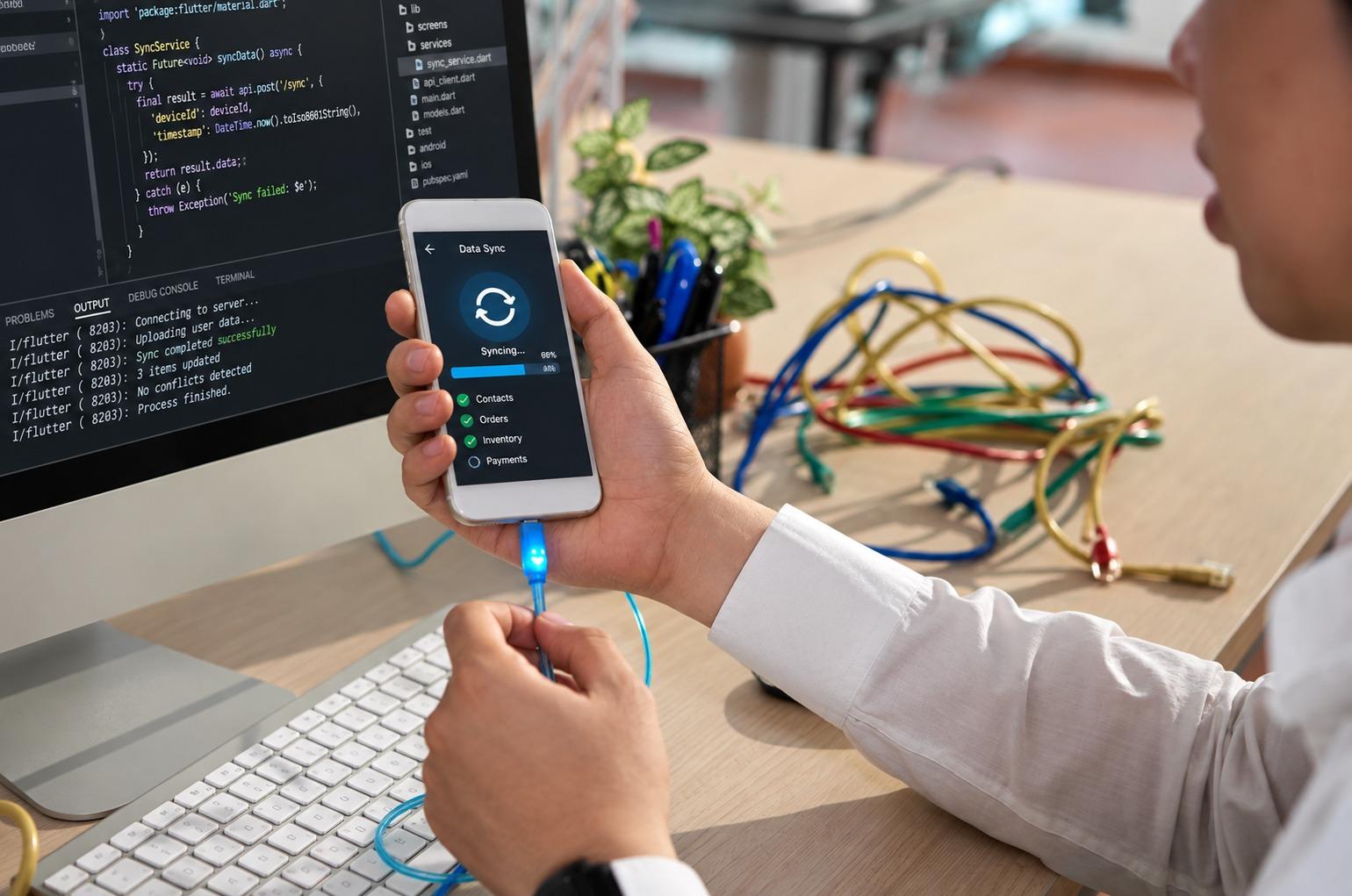
Modern healthcare apps use mobile app development services to deliver secure, accessible and seamless experiences for patients and clinicians.
TL;DR — Key Takeaways
- More patients now reach their records through apps, so a healthcare app works as a front door, not an add-on.
- Speed on weak networks, privacy users can see, accessibility and one secure sign-in matter more than extra features.
- Cross platform mobile development suits most healthcare apps, with native modules for health sensors and background tasks.
- Accessibility rules are tightening, so build to WCAG 2.1 AA from the first sprint rather than retrofitting it.
- Start with one workflow, test it with real users, and expand only when the numbers hold.
Mobile App Development Services for Healthcare: What Users Expect From a Modern Mobile Experience
Healthcare apps are judged on speed, privacy and access from the first tap, so choosing mobile app development services takes more than picking a toolset. Cross platform mobile development can work well here, if the experience still feels native.
What Patients and Clinicians Now Expect From a Healthcare App
ASTP data shows that 57% of people who accessed their online records in 2024 used an app, up from 38% in 2020. Web-only access fell from 60% to 42% over the same period.
The same survey found that 59% of people had more than one online record or portal. Only 7% used an app to bring them together, so your app will sit beside several others on the same phone.
Users rarely praise the basics, but they notice quickly when one is missing. Four of them decide most of what follows.
Speed that holds up on a weak connection
Clinicians open apps between patients, often in corridors or basements with poor signal. If a screen stalls, they go back to the workstation and the app loses its purpose.
Cache the data people need most, show something useful offline, and sync quietly when the connection returns. Test on older phones and throttled networks, not only on the newest device in the office.
Launch time matters as much as screen speed. If the app takes long to open, a nurse will not wait for it during a round, however good the features are.
Privacy that users can actually see
Strong security means little if users cannot tell what the app does with their data. Show plainly what is collected, who can see it, and how to switch it off.
Behind the screen, we treat encryption in transit and at rest, short session timeouts and fingerprint or face sign-in as baseline practice, whatever the minimum legal text says.
The HIPAA Security Rule covers electronic health information held by covered entities and their business associates. An app vendor handling that data for a provider often counts as the latter.
Notifications deserve the same care. Lock-screen previews can expose a diagnosis, so keep alerts generic, such as “You have a new message,” and put the details behind sign-in.
Consent screens need plain language too. Say what the app will read from the health record and why, and let users change their answer later without contacting support.
Accessibility built in from the first sprint
People who use care apps include those with low vision, limited dexterity or hearing loss. Under Section 504, HHS adopted WCAG 2.1 Level AA for the web content and mobile apps of recipients of its funding.
In 2026, HHS moved the first deadline for larger recipients from May 2026 to 2027. The technical standard itself did not change, so the design work is the same either way.
Even outside that scope, scalable text, strong contrast, labelled controls and large touch targets help every user. Test with VoiceOver on iOS and TalkBack on Android, not only with automated checkers.
Automated tools catch missing labels and low contrast, but they miss confusing order and unclear errors. A short session with a screen-reader user usually finds more than a full scan does.
One sign-in, and a way back when it fails
People with several portals already juggle several passwords. Support fingerprint or face sign-in and single sign-on through the organization’s identity provider where it exists.
Then plan the failure path. A locked-out patient needs a recovery route that does not depend on a phone call to a busy front desk.
Cross Platform Mobile Development: Where It Fits and Where It Does Not
Cross platform mobile development lets one team ship iOS and Android apps from largely shared code. For booking, messaging, records and forms, that usually gives a consistent experience with less duplicated effort.
The trade-off shows up at the device edge. Apple HealthKit on iOS and Health Connect on Android differ in permissions and in how they model data such as sleep and workouts.
Health Connect adds a wrinkle. On Android 9 to 13 it is a separate app the user may not have installed, while on Android 14 and later it is part of the operating system.
Shared code should still respect each platform’s habits, such as back gestures on Android, system fonts and text scaling. Users notice when an app ignores them, and screen readers depend on them.
A sensible plan keeps most of the code shared and writes native modules where the platform demands them. Bluetooth medical devices, background sync and biometric prompts are common examples.
At Hubops, we build native and cross-platform apps and connect them to enterprise APIs, identity and data services through our mobile solutions work. The right split depends on which device features your app really needs.
Whichever framework you choose, keep the data layer separate from the screens. That way a change in an EHR interface touches one place, not every screen in the app.
Three questions help settle the choice:
- Does the app rely on sensors, Bluetooth or background tasks? If so, budget for native modules.
- Will one team support both app stores for years? Shared code keeps a small team effective.
- Do patients and clinicians need the same features? If not, separate flows may serve them better than one app.
Connecting the App to Clinical Systems
A patient app that cannot see the patient’s record is little more than a brochure. Most connections run through FHIR-based APIs, with SMART App Launch handling sign-in and permissions on top of OAuth 2.0.
In the US, the Cures Act rules require certified health IT developers to offer secure, standards-based APIs so patients can use an app of their choice. The door is increasingly open, but each EHR still has its own quirks.
Good API connectivity work starts with mapping which data the app needs. It continues with sandbox testing and a clear rule for what the app does when the EHR is slow or offline.
Plan for gaps, too. Records differ between systems, so show a result’s date and source, and say plainly when data is missing instead of showing a blank screen.
Writing back is a separate decision from reading. Letting a patient update an address or request a refill needs stricter validation and a clear audit trail, so many teams start read-only and add writes once reading is stable.
Clinician-facing apps raise one more question: whose device is it? A personal phone and a hospital-issued one need different controls for storage, screen locks and remote wipe.
A Practical Build Sequence
- Pick one user and one job. “A patient rescheduling a visit” is a better starting point than “a patient portal.”
- Map the data and the consent. Decide which fields come from which system, and who agrees to share them.
- Prototype and test with real users, including at least one person who relies on a screen reader.
- Build a thin slice: secure sign-in, that one workflow, crash reporting and analytics.
- Pilot with a small group, measure, and widen only when the numbers hold.
Hypothetical example, not a customer case: a regional clinic group wants fewer missed appointments. It launches an app that only handles rescheduling and reminders, then tracks how many patients finish the flow.
Once that flow works, it adds records access. The scope stays small on purpose, because every added feature adds testing, security review and support.
Mistakes That Cost Healthcare Apps Their Users
- Copying the portal into an app. Desktop layouts rarely survive a small screen, so rebuild around the few tasks people do on the move.
- Treating security review as the last step. Late findings cost the most to fix, so review designs and data flows early.
- Ignoring older phones and operating systems. Patient populations are mixed, so set a support floor deliberately.
- Collecting data “just in case.” Every extra field is something to protect, explain and eventually delete.
- Launching without a support plan. Users need a clear route to help when sign-in or sync fails.
- Skipping real-device testing. Emulators miss poor signal, low battery and interrupted calls, which is how clinicians actually use phones.
Questions to Ask a Development Partner
- Who signs the business associate agreement, and how is access to health data controlled and logged?
- How do you test accessibility on real devices, and who fixes what you find?
- Which EHR and identity integrations have you built, and what did testing against them involve?
- What happens when a new iOS or Android release breaks a feature?
- How is the app monitored after launch, and how quickly are crashes triaged?
- Who owns the app store accounts and the source code, and what happens to both if we change vendors?
Final Thoughts
A healthcare app earns trust through small, unglamorous things. It opens quickly, shows the right record, and treats privacy as the user’s concern, not only the lawyer’s.
The apps that last tend to be the ones that stay small, stay fast and keep improving after launch. That is a steadier path than a large first release nobody finishes testing.
Start with one workflow, test it with real people, and let the results decide what comes next. If you are weighing mobile app development services for a healthcare project, our team is happy to talk it through.
Frequently Asked Questions
What do mobile app development services for healthcare usually include?
Most engagements cover discovery and user research, design, development for iOS and Android, integration with EHR and identity systems, security and accessibility testing, and release support. Good partners also plan for monitoring and updates after launch, since both operating systems change every year.
Is cross platform mobile development safe for healthcare apps?
In most cases, yes. The framework matters less than the security design, testing and data handling behind it. Features that rely on HealthKit, Health Connect or Bluetooth devices may need native modules, so confirm that early.
Does a healthcare app need FDA review?
Not always. The FDA focuses on software functions that meet the device definition and could risk patient safety if they fail, and it uses enforcement discretion for lower-risk ones. If your app diagnoses, treats or drives clinical decisions, ask a specialist early and read the FDA guidance first.
How does a healthcare app connect to electronic health records?
Usually through FHIR-based APIs from the EHR vendor, with SMART App Launch handling authorization. In the US, certified health IT developers are required, as applicable, to provide standards-based patient access APIs. Testing in each vendor’s sandbox is still needed, because implementations differ.
How do we know whether the app is working?
Track task completion, time to finish key flows, crash-free sessions, support tickets and repeat use. Pair those numbers with short user interviews, because analytics show what people do and interviews show why.