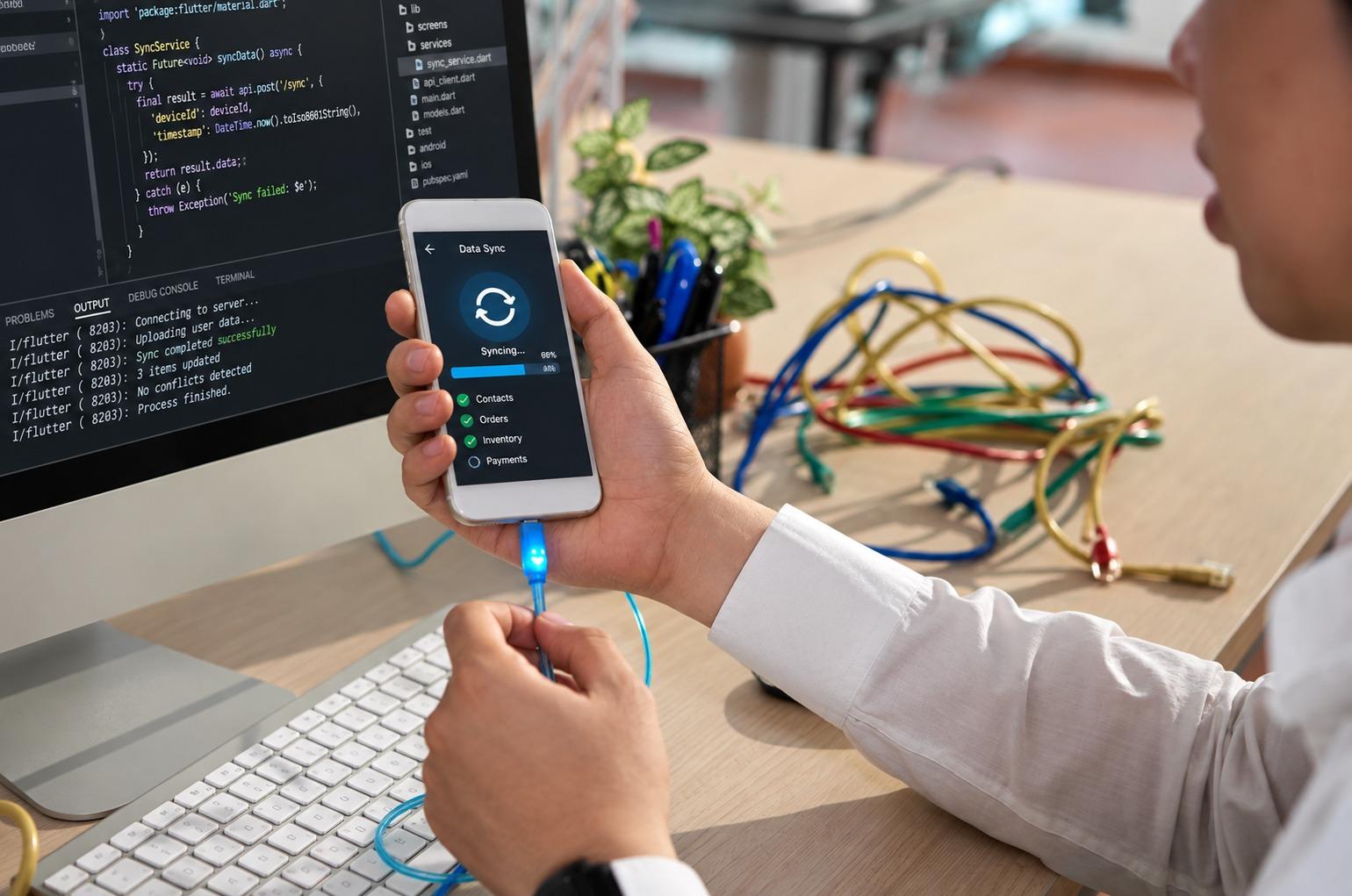


Turn scattered upgrade projects into a structured modernization roadmap with clear priorities and ownership.
What happens when a system still runs, yet each change becomes slower and riskier? The harder question is what to replace, in which order, without interrupting payroll, customer service, production, billing, or reporting?
A legacy modernization roadmap connects business priorities with application risk, dependencies, security, staffing, and budget. It prevents scattered projects with no shared finish line.
The US Government Accountability Office’s 2025 report, Information Technology: Agencies Need to Plan for Modernizing Critical Decades-Old Legacy Systems, found that only 3 of 10 critical federal systems identified in 2019 had completed modernization by February 2025. Of the 7 remaining, one had no planned completion date. Delay grows when ownership, milestones, and retirement decisions remain vague.
A useful legacy modernization roadmap does not begin with a preferred platform. It begins with the work the business cannot afford to lose.
Why A Legacy Modernization Roadmap Needs Business Context
Older applications are rarely isolated. Finance may feed payroll, procurement, tax reporting, and bank files. Warehousing may connect scanners, carriers, inventory, and customer notifications. Moving one component without tracing connections can damage operations.
The modernization program should always start with business workflows rather than a server inventory. An inventory does not show which month-end process depends on a manual export or which employee knows the workaround that keeps a fragile batch job alive.
A legacy modernization roadmap should answer several early questions. Which services generate revenue, protect safety, or support regulatory duties? Where do outages create the widest operational damage? Which applications receive frequent change requests but cannot be updated safely? Which systems hold data needed by analytics, automation, or AI programs? Which platforms depend on skills that are becoming difficult to hire?
Those answers change the order. A lightly used application on unsupported software may look urgent, while an order-management system with 40 undocumented interfaces may carry greater risk.
At Hubops, we have found that modernization planning improves when teams document awkward daily steps. A weekly spreadsheet or hand-built report reveals where the operating model already pays a tax.
Start The Legacy Modernization Roadmap With A Portfolio Assessment
The first phase of a legacy modernization roadmap is a legacy system assessment. Not a list of applications. A scored portfolio.
Review each application for business value, risk, technical condition, security exposure, data importance, integration load, change frequency, and run cost. Record whether skilled support remains and testing is safe.
A legacy modernization roadmap can group systems into four decisions:
- Keep and stabilize: The platform performs well, but controls, backups, or documentation need work.
- Rehost or replatform: Infrastructure is the main issue; the application logic remains useful.
- Refactor or rebuild: Valuable logic remains, but the architecture blocks releases, scale, or integration.
- Replace or retire: The platform duplicates another tool, no longer fits, or costs too much to preserve.
Do not force every application into cloud migration. Some systems should remain where they are when latency, hardware links, licensing, data residency, or plant operations make relocation expensive.
For a large estate, our guide to a strong legacy modernization strategy helps compare rehosting, refactoring, rebuilding, and retirement before setting the delivery order.
The output should be a portfolio with reasons, owners, effort, dependencies, and a provisional decision. It will change. That is fine. Treat it as a managed decision record, not a steering-meeting poster.
Build Modernization Planning Around Dependencies
Dependencies can derail cutovers. A modern-looking application may still rely on an old customer identifier, shared database table, printer driver, or nightly partner file.
Before sequencing a legacy modernization roadmap, map five dependency types: applications, data, infrastructure, identity, and operations. Operations include job schedules, support teams, vendor response times, maintenance windows, and escalation paths.
Eurostat’s 2026 release, 53% of EU Enterprises Used Paid Cloud Services in 2025, reported 52.7% adoption in 2025, up 7.4 percentage points from 2023. Yet older estates do not become connected merely because workloads move online.
A business may run CRM in SaaS, finance on premises, identity in another cloud, and reporting across several data stores. That is a hybrid environment, planned or not.
When replacement is premature, teams can unify disconnected software systems through governed interfaces, shared data rules, and controlled synchronization, reducing manual work while preserving the core platform.
Label every dependency as known, assumed, or unverified. Give assumptions owners and deadlines, or they will surface during testing or cutover.
Set Outcomes Before Choosing Modernization Methods
“Move to the cloud” and “reduce technical debt” describe direction. Neither tells a delivery team when the business has improved.
A legacy modernization roadmap needs targets: shorter release lead time, fewer failed jobs, faster onboarding, removal of unsupported software, lower recovery time, or retired duplicate licenses.
Use a few measures for each modernization wave: service availability and incident volume; change lead time and failed releases; infrastructure and licensing cost; manual hours removed from a workflow; security findings closed; data quality and reconciliation results; and user adoption after launch.
This keeps modernization planning honest. A migration that finishes on time but leaves staff using spreadsheets has not finished.
Finance leaders also need tradeoffs. Rehosting may reduce hardware risk but leave maintenance untouched. Refactoring costs more initially, yet can improve release speed. Replacement may remove custom code while adding subscription cost and process change.
Hubops supports this through enterprise technology services covering assessment, architecture, integration, testing, and operations. We use the roadmap to tie technical choices to operating results.
CTA: Is Your Modernization Planning Spread Across Unconnected Projects?
Turn scattered upgrades into one sequenced program with owners, dependencies, risk controls, and measurable outcomes.
Sequence The Legacy Modernization Roadmap In Delivery Waves
A big-bang replacement looks faster but concentrates risk. One delayed interface, an incomplete data rule, or a missed role can hold the release.
A legacy modernization roadmap should use delivery waves. Each should be small enough to govern and large enough to produce a business result. Start with asset discovery, observability, identity cleanup, test automation, interface documentation, and backup validation.
Then sequence applications by value, readiness, and coupling:
- Stabilize critical systems and urgent security gaps.
- Improve interfaces, monitoring, identity, and data access.
- Move low-coupling applications for early learning.
- Modernize shared services and connected platforms.
- Retire old infrastructure, duplicate tools, and temporary bridges.
The order varies. Manufacturing may require plant-by-plant releases because equipment, networks, and maintenance windows differ. Our manufacturing digital transformation work uses shared architecture with local deployment timing.
Set entry and exit criteria for every wave. Entry may require approved architecture, mapped dependencies, test data, security review, support coverage, and rollback. Exit should require stable operations, reconciled data, adoption, documented support, and old-component retirement where feasible.
Temporary bridges need expiry dates, or a six-month adapter may remain for five years.
Check whether the old system can be retired after launch. If the answer is no, document the blocker, cost, owner, and date for resolving it before the next wave begins.
Treat Data Migration As Its Own Workstream
Many programs leave data until the application build work is nearly complete. That is late. Quality, ownership, retention, lineage, and reconciliation can reshape the target design.
A legacy modernization roadmap should identify system-of-record decisions early. Two applications may both claim ownership of customer status. Historical codes may carry legal meaning missing from documentation.
Profile missing fields, invalid formats, duplicates, orphaned records, and outdated values. Then decide what to migrate, archive, transform, or delete under approved retention rules.
Plans for data migration should cover source-target mapping, rules for transforming or verifying the data, rules for reconciling data, tolerances for recon, data owner and sign-off, trial migrations with production-like volume, cutover and rollback dates, and post-migration rules for data fix.
AI initiatives add pressure here. Models and automated workflows need governed, usable data. Placing them over inconsistent records and brittle interfaces makes poor inputs travel faster, while ownership, correction, and accountability become harder to trace across the business today.
Connect data work with analytics and AI plans, even when AI is not part of the first release.
Protect Security And Compliance During Every Phase
Old systems can contain weak authentication, unsupported components, excessive privileges, unencrypted transfers, and audit gaps. Transition can also create new exposure.
Parallel environments add endpoints. Temporary integrations may bypass controls, test data may expose sensitive records, and cloud services may appear before logging or key policies are approved.
Security should run through the legacy modernization roadmap, not appear as a gate near launch. Define controls during assessment and test identity, encryption, logging, recovery, and vendor access before production.
The UK Government’s 2026 Government Cyber Action Plan placed more than £210 million behind a new Government Cyber Unit and stronger departmental direction. Delayed security improvement becomes expensive when fragmented systems and uneven controls accumulate.
Compliance teams also need evidence. Keep decision logs, data maps, test records, risk acceptances, access reviews, and retirement approvals. Good modernization planning produces an audit trail while work is happening, rather than asking delivery teams to reconstruct one later.
Plan For People, Support, And Daily Adoption
A technically better platform can still fail when employees do not trust it, support teams lack training, or the revised workflow takes longer.
A legacy modernization roadmap needs named adoption owners. Identify affected roles, workarounds, training, support changes, and process decisions. Involve the person everyone calls when the old system behaves strangely.
Training should follow tasks, not features. Show employees how to reopen a case, correct a supplier record, or respond when a device stops sending data. Product tours rarely prepare people for exceptions.
Define first-line ownership, escalation routes, vendor contacts, monitoring, known-error procedures, and hypercare coverage. Repeated user questions often point to a design or process issue, not training alone.
Hubops brings structure across technology delivery and modernization services without separating architecture from daily use. The aim is for a system that teams can operate without carrying old workarounds forward.
Keep Governance Lean But Decisive
Governance can become so heavy that teams prepare updates instead of resolving risks, or so loose that architecture, security, finance, and operations decide separately.
A legacy modernization roadmap needs a small decision structure with authority. A program leader owns outcomes. Business owners approve process changes. Architecture owns standards and exceptions. Security and compliance approve controls. Delivery leads own milestones and risks. Finance tracks spend and benefits.
Use meetings for unresolved choices, not status narration. Track wave health, dependency risks, cost, benefits, incidents, data readiness, adoption, and retirement status.
The European Commission’s cloud policy targets 75% of European businesses using cloud and distributed computing technologies by 2030. Organizations carrying undocumented interfaces and unsupported applications will find that the target is harder to reach safely.
Review the legacy modernization roadmap quarterly when strategy, regulation, vendor support, acquisitions, or security conditions change. Do not rewrite the plan monthly or freeze it for three years.
CTA: Ready To Turn Your Legacy Modernization Roadmap Into A Working Program?
Bring business priorities, architecture decisions, migration waves, data work, and adoption into one modernization program.
Final Thoughts
The roadmap is useful because it forces choices. What stays? What moves first? Which dependency needs proof? Who signs off on the data? When does the old platform shut down?
Good modernization planning cannot remove every difficulty. It reduces avoidable surprises through smaller delivery bets, tested rollback options, stronger ownership, and visible operating value.
At Hubops, we build the legacy modernization roadmap around continuity first, then improve architecture, data access, security, automation, and workflows in an order that the business can absorb. It usually works better than wholesale replacement.
FAQs
What is a legacy modernization roadmap?
It is a sequenced plan for assessing, updating, integrating, replacing, and retiring older business systems safely.
How long should legacy modernization take?
Timing depends on system coupling, risk, funding, data quality, staffing, testing, and business change capacity.
Should every legacy application move to the cloud?
No. Workload needs, latency, compliance, cost, hardware links, and operational risk should guide placement.
What should be modernized first?
Start with high-risk systems, shared dependencies, security gaps, and workflows where improvement creates visible business value.
How is modernization success measured?
Track uptime, release speed, incident reduction, cost, data quality, adoption, security results, and system retirement.